Short answer
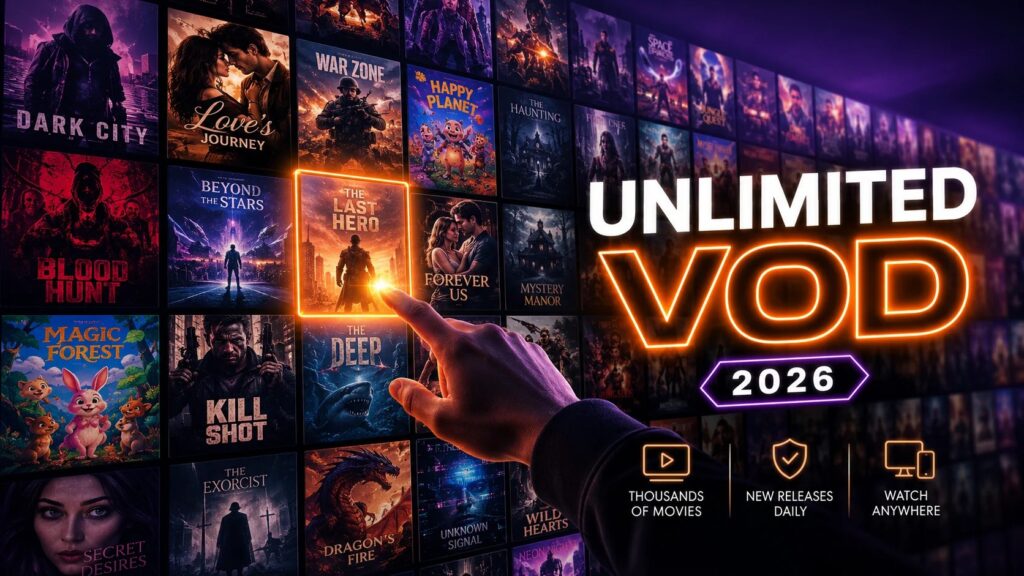
The best IPTV for movies is not the one with the biggest number on the sales page — it is the one whose on-demand library is deep, current and searchable. Deep means the back catalogue and world cinema are there, not just this year’s five blockbusters. Current means new releases land on a schedule instead of a catalogue frozen three years ago. Searchable means posters, correct titles, genre tags and a search box that actually works, because a library you cannot navigate is a library you will not use. IPPlayTV carries 280,000+ movies and series alongside 95,000+ live channels on one line and one login — but you should never take a count on faith, ours included. The whole point of testing a service is to search your watchlist, not ours. This guide tells you exactly what to type into that search box.
The streaming promise — one subscription, everything in one place — quietly died about six years ago. The film you want now lives on Netflix this month, Prime the next, and disappears from both the week you finally sit down to watch it. Four or five apps at £8 to £16 each is £60 to £80 a month for a catalogue that is still full of holes, and you are the one doing the admin. On-demand IPTV takes the opposite approach: put the catalogue in one place, at one price, with live television bundled alongside it. Whether that trade is worth making depends entirely on whether the library is real. Here is how to find out.
What Actually Makes a Movie Library Good
Any operator can type a number into a sales page. Five things separate a library built for viewers from one built for a marketing headline, and every one of them is testable in a single evening.
- Depth across genres. Not only the current tentpoles, but decades of back catalogue, world cinema, documentaries and independent film. The measure of a real library is whether the half-remembered film from 1997 is on the shelf.
- Freshness. New releases added on a sensible rhythm. This is the biggest single quality difference between providers, and the easiest thing to check — search three films from the last few months.
- Genuine HD and 4K. High-bitrate encodes, not soft upscales carrying a 4K label. Picture quality matters far more on a dark, detailed film than on a brightly lit football match.
- Organisation and metadata. Genre categories, year filters, working search, correct posters and synopses. Metadata is what turns 280,000 titles into a browsable shelf instead of an unusable wall.
- Full series, not only films. Complete seasons in the right order, with the latest one present. Film night and binge night are the same household, the same screen and the same budget.
IPTV Movies vs the Streaming App Maze
It is worth being fair about this, because the big platforms do some things very well and IPTV does not pretend to replace all of them.
| Four or five streaming apps | Renting per title | IPTV on demand | |
|---|---|---|---|
| Monthly cost | £60–£80 combined | £4–£16 per film | One subscription |
| Library | Split across services | Anything, at a price | 280,000+ in one place |
| New releases | Staggered, exclusive windows | Yes, per title | Added regularly |
| Live TV and sport | Mostly no | No | Yes — 95,000+ channels |
| Titles disappearing | Constantly, as licences lapse | You keep the rental window | Large, stable catalogue |
| Apps to manage | Four or five | One store per platform | One player |
The honest framing: the big platforms make polished originals and have genuinely good recommendation engines, and some households are happy to pay for exactly that. What they do not do is put everything in one place, and they do not include live television or sport. IPTV’s pitch is breadth and consolidation at one price with the live side thrown in. If you are tired of the app drawer and the monthly total it quietly became, that is an easy trade. If you subscribe to one platform for two prestige series a year, it is not.
The 4K and Picture-Quality Question
Films are where picture quality shows. A dark, detailed thriller exposes a weak stream in a way a floodlit stadium never will, so this is the part of any library worth testing hardest.
- Real 4K needs bandwidth. Budget 50 Mbps of stable throughput for Ultra HD films. If the line cannot hold it you get buffering, or a silent drop in quality that most people never notice they are watching.
- Watch for upscales. Some catalogues label an upscaled HD file as 4K. Pull up a film you know well on a decent television and look at the dark scenes — that is where padding shows first.
- HD is genuinely fine for most rooms. On a 43-inch set or a tablet, a solid high-bitrate 1080p encode looks excellent and streams on a modest line. Do not chase a resolution your screen cannot show you.
- Stuttering is usually fixable. Playback problems are nearly always network, device or settings rather than the library itself. Our buffering guide works through the causes in order.

Genre by Genre: What “Deep” Really Means
A headline number says nothing about whether your taste is served. The real test is depth in the categories you actually watch.
- New releases and blockbusters. The current-year action and tentpole films people search first. This is the freshness test; a catalogue that stops two years ago is a dead catalogue with a big number attached.
- Classics and back catalogue. Decades of cinema that the platforms drop the moment a licence lapses. A deep library keeps them permanently on the shelf.
- World cinema. Korean thrillers, Spanish and Latin American drama, French film, Bollywood, anime features, Arabic and Turkish cinema — the categories English-language platforms serve worst. This is where a large international library pulls clearly ahead.
- Documentaries. Nature, history, true crime and sport. A huge and growing category that a serious on-demand section carries in bulk.
- Family and children’s films. Animation and family titles inside the same subscription rather than behind yet another one.
- Horror, indie and cult. The long tail. Its presence is the clearest single sign that a library was assembled for viewers rather than for a number.
So when you test a service, do not search the film everybody has. Search the edges of your taste: one old favourite, one foreign-language film, one niche documentary. If a library holds at the edges, it holds everywhere.
Setting It Up, and the Habits That Make a Big Library Usable
Setup is the standard IPTV process, plus four habits that turn 280,000 titles from intimidating into genuinely useful.
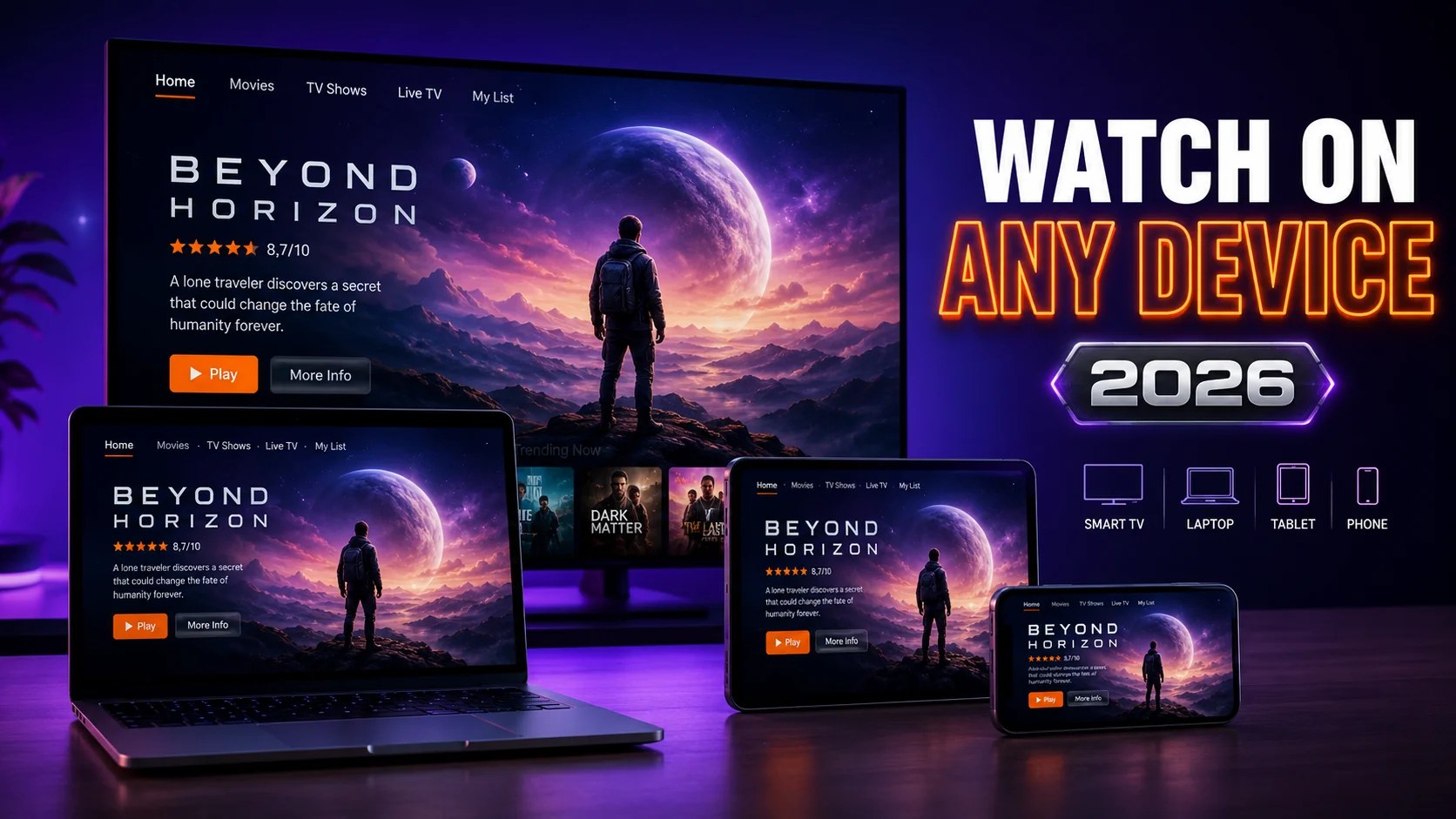
- Pick a capable device. A Fire TV Stick 4K, an Apple TV 4K, a modern Android TV set or a recent Samsung or LG panel. Phones and tablets are excellent for travel. Our Firestick guide and Smart TV guide cover the specifics.
- Check your speed at the television. 25 Mbps for HD, 50 Mbps for 4K, tested in the evening when the network is busiest — not at ten in the morning on a laptop sitting next to the router.
- Log in with Xtream Codes where you can. It pulls the categories and the programme guide in automatically. An M3U link works too, but you will be doing more of the tidying yourself. The setup guide walks through both.
- Learn where the search box lives. In a library this size, browsing is for discovery and search is for tonight. Two minutes learning the layout saves hours of scrolling later.
- Build a favourites list as you go. Most players support one. It is the difference between a giant catalogue and your own shelf.
One quality-of-life setting worth finding on the first evening: most players let you set a default audio and subtitle language, which matters enormously for foreign-language films and bilingual households. And because the live side sits inside the same app, you can move from a film to a live channel without changing anything.
How to Spot a Padded Library in Ten Minutes
“150,000 movies!” is the most inflated claim in this industry. Here is how to see through any number, ours included, before money changes hands.
- Test freshness, not size. Search two or three genuinely recent releases. If they are missing, the number is history rather than a library.
- Look for duplicates. Padded catalogues repeat the same film as HD, 4K and “backup” copies to inflate the count. Search one popular title and count the near-identical rows.
- Check a dark scene. Blocky shadows and smeared detail expose a low-bitrate encode hiding behind a 4K tag.
- Judge the metadata. Missing posters, garbled titles, films filed under the wrong genre and a broken search all point at a catalogue built for the count.
- Insist on being able to check before you commit. Any provider confident in its library will let you look, whether through a trial or a money-back window. No way to check, no deal — that single rule protects you every time.
Audio, Subtitles and the Details Film People Notice
Serious film watchers judge a service on things casual viewers never look at, and this is exactly where a well-built catalogue separates itself from a scraped one.
- Original-language audio and clean subtitles. For world cinema, the gap between a proper original track with accurate subtitles and a clumsy dub is enormous. Check one foreign-language film before you commit.
- Correct aspect ratios. A widescreen film should play widescreen, not cropped or stretched to fill the panel. Padded catalogues mangle this constantly.
- Accurate metadata. Right poster, right year, real synopsis, sensible genre tags. It is the first thing a lazy catalogue gets wrong, and the thing that decides whether you open the app again next week.
None of these appear in a marketing number, and all three are trivial to test. Spend ten minutes pulling up a foreign-language film, a widescreen classic and a recent release, and you will know precisely what kind of catalogue you are dealing with.
Is a Movie-Focused IPTV Worth It?
If you watch two prestige series a year on one platform, keep the platform. But if you are paying for four or five services, hitting “no longer available” on your own watchlist, and still spending £70 a month — or if you want a serious film library and live television and sport without stacking subscriptions — then a strong on-demand IPTV is the better deal in 2026. You consolidate the cost, delete four apps, and the live side comes free with the decision.
The honest caveat: you trade polished recommendation engines and guaranteed exclusives for breadth, price and one login. For most households that is a straightforward swap. For a few it is not, and there is no shame in staying where you are.
The Verdict
The streaming world fragmented, and the cost of chasing films across it became absurd for a catalogue that still leaves you searching. The answer that works in 2026 is consolidation: one subscription, one player, a library deep enough that you stop checking which service has what, with live television sitting alongside it.
IPPlayTV runs 280,000+ movies and series and 95,000+ live channels on a single line for every customer, hands you a standard Xtream Codes login and an M3U link that work in every mainstream player, publishes its plans and prices and its channel list openly, and backs the lot with a 7-day money-back guarantee. So do the sensible thing: subscribe, spend one evening searching your own watchlist — a couple of recent releases, an old favourite, the series you are halfway through — and decide with the library in front of you rather than a number on a sales page.
Frequently Asked Questions
What is the best IPTV for movies?
The one with a deep, regularly updated on-demand library across every genre, in HD and 4K, with full series alongside the films and a search system that makes it navigable. IPPlayTV carries 280,000+ movies and series plus 95,000+ live channels on one subscription, with a 7-day money-back guarantee so you can test the catalogue against your own watchlist before the money is final.
How many movies does IPTV have?
It varies enormously by provider. Strong services offer tens or hundreds of thousands of titles — the IPPlayTV library is 280,000+ movies and series. Judge any library by freshness, genre depth and encode quality rather than the headline count, because some catalogues inflate the number with duplicate copies of the same film.
Is IPTV good for films, or only live TV?
Good IPTV is excellent for films. Alongside the live channels there is a video-on-demand section of films and full series you watch whenever you like, exactly like a streaming app. For a lot of subscribers the film library, not the live television, turns out to be the reason they stay.
Can I watch films in 4K on IPTV?
Yes, where the source is genuinely 4K and your line can sustain it — budget 50 Mbps of stable throughput. Be sceptical of upscaled HD carrying a 4K label; test a film you know well on a good television and look closely at the dark scenes, which is where a weak encode always shows first.
Does the library include new releases and full TV series?
It should. Good providers add new releases on a regular schedule and carry complete seasons in the correct order, so one subscription covers both film night and a long binge. Check the recent-releases row and the series section specifically — those two are where a stale catalogue gives itself away.
Is IPTV cheaper than Netflix, Prime and Max combined?
Almost always. Running four or five platforms commonly lands between £60 and £80 a month, while a single IPTV subscription with a large on-demand library and live television costs far less. What you give up is each platform’s exclusive originals and its recommendation engine, in exchange for breadth, one login and a much lower total.
Do films buffer on IPTV?
They should not, on an adequate connection. Stuttering is nearly always network, device or settings rather than the library — our buffering guide works through it in order. 4K files need considerably more bandwidth than HD, so if your line is borderline, watch the HD copy and enjoy the film.
How do I find something specific in a library that size?
Use search rather than scrolling, and build a favourites list as you go. In a 280,000-title catalogue, browsing is for discovering something new and search is for the film you already decided on. Most players also let you set default audio and subtitle languages, which is worth two minutes on the first evening.
280,000+ films and series. 95,000+ live channels. One login.
Xtream Codes and M3U for every mainstream player, one line for every customer, published prices, and a 7-day money-back guarantee so the risk stays with us while you search your own watchlist.