Short answer
Real 4K IPTV means high-bitrate Ultra HD on the content that was genuinely filmed in 4K — premium films, documentaries, a handful of marquee live events — delivered over a connection fast enough to carry it, into a device and a television that can actually display it. The single most useful thing to know is this: any provider claiming every channel is 4K is either mistaken or lying, because most live television is not broadcast in 4K anywhere in the world. Resolution is only half the picture; bitrate is the other half, and a smooth high-bitrate 1080p stream beats a starved “4K” one every time. IPPlayTV carries 95,000+ live channels and 280,000+ movies and series with genuine Ultra HD where the source supports it, and says plainly where it does not. Everything below is how to check that claim yourself.
Once you have watched a nature documentary or a well-shot film in real Ultra HD, ordinary HD looks slightly soft ever after. That is the honest appeal of 4K, and it is why the label now appears on nearly every IPTV sales page in existence — including on services running upscaled standard-definition feeds. The gap between the claim and the picture on your wall comes down to a chain of four things, any one of which will quietly cap your quality. This guide walks the chain, shows you where the fakes give themselves away, and gets you a setup where the difference is actually visible.
What “4K IPTV” Actually Means
4K, also called Ultra HD, is roughly 3840 × 2160 pixels — four times the detail of 1080p. On a large screen that means sharper edges, visible texture and a more lifelike image. But the pixel count is only one of two numbers that matter.
- Resolution — how many pixels there are, 3840 × 2160 for true 4K.
- Bitrate — how much data per second is spent drawing them. A high pixel count on a starved bitrate produces a blocky, smeary picture, and it falls apart precisely when the action gets fast.
This is why a smooth, high-bitrate 1080p stream can genuinely look better than a low-bitrate 4K one, and why “4K” alone is a useless promise. The services worth paying for deliver both — real resolution and a healthy bitrate — on the content where the source can support it.
How to Spot Fake 4K
Plenty of providers advertise that everything is Ultra HD. That claim contradicts how live television is actually broadcast, so it is the fastest red flag available to you. Here is the difference laid out side by side.
| Sign of real 4K | Sign of fake “4K” |
|---|---|
| 4K limited to channels and films genuinely shot in UHD | “Everything is 4K”, including decades-old SD channels |
| Visible texture and detail on a large screen | Soft, smeary picture no sharper than good HD |
| High, steady bitrate that holds through fast motion | Blocky artefacts on panning shots and quick action |
| A dedicated 4K / UHD category in the app | A 4K tag stapled onto every channel name |
| A way to verify before you commit | No trial, no refund window, no way to check |
The rule that never fails: a genuine provider offers real 4K where the source is 4K and is upfront that not everything is. Your own eyes on your own television, during one evening, settle the question faster than any review page.

What Real 4K Needs From Your Setup
Ultra HD is only as good as the weakest link in the chain, and the link that fails is almost never the one people blame.
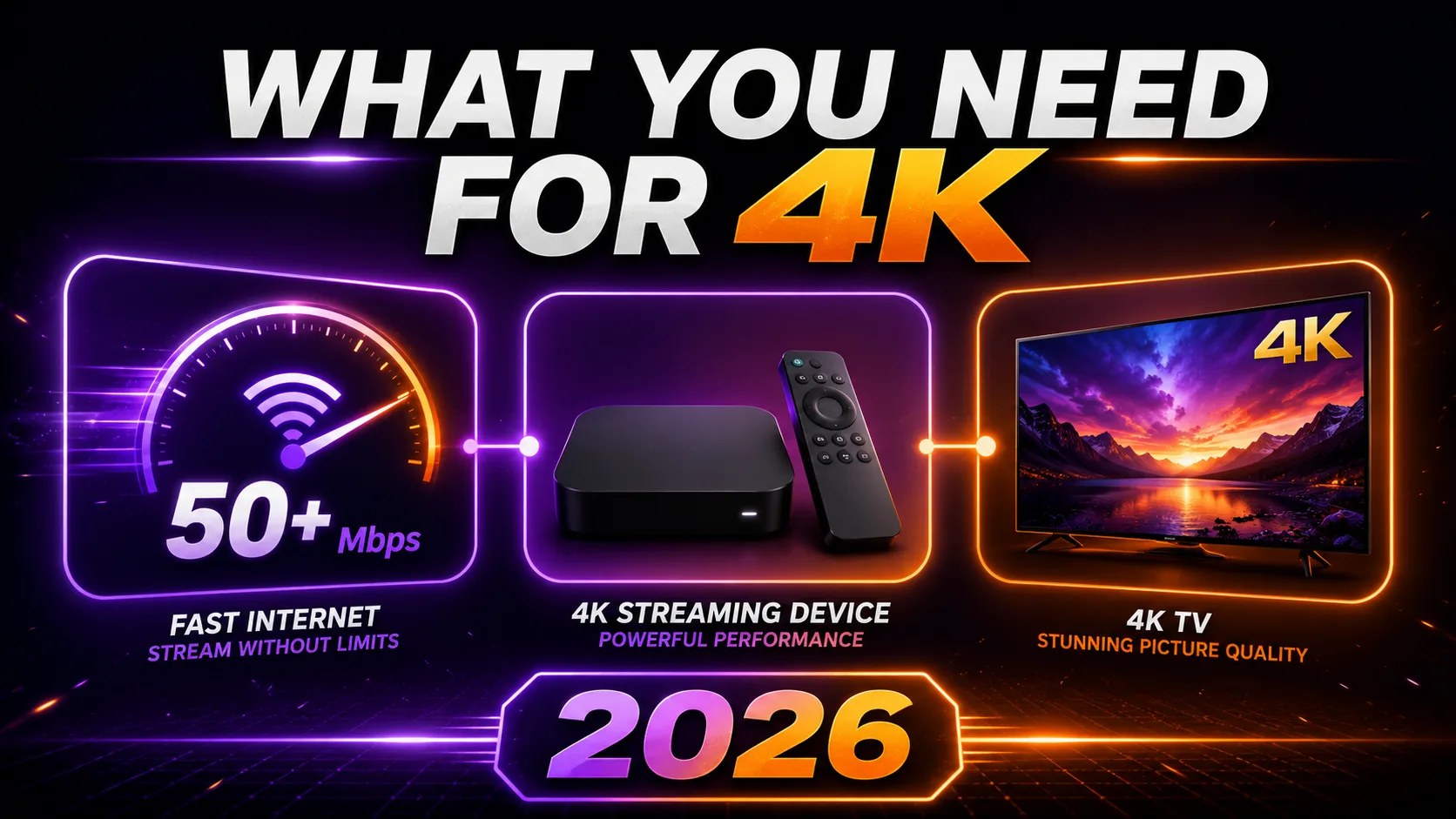
1. Internet speed — and stability more than speed
- 25 Mbps — the bare minimum for a single 4K stream with nothing else heavy on the network.
- 50 Mbps or more — what you actually want for reliable 4K, especially with other devices in the house.
- Steady beats fast. A rock-solid 40 Mbps outperforms a spiky 100 Mbps that collapses under load every evening.
Test at the television, in the evening, when your household and your street are both busy. A morning speed test on a laptop next to the router tells you almost nothing about what happens at kick-off.
2. A device that can genuinely decode 4K
The player has to decode and output Ultra HD. Most modern sticks, boxes and Smart TVs can; older or budget hardware quietly caps at 1080p no matter what the stream carries. This is the most common cause of “I paid for 4K and it looks the same”.
3. A 4K television and an HDMI port that supports it
Obvious, and still worth stating: a 4K stream on a 1080p panel is a 1080p picture. On sets with mixed ports, use the HDMI input rated for UHD — it is usually labelled on the back.
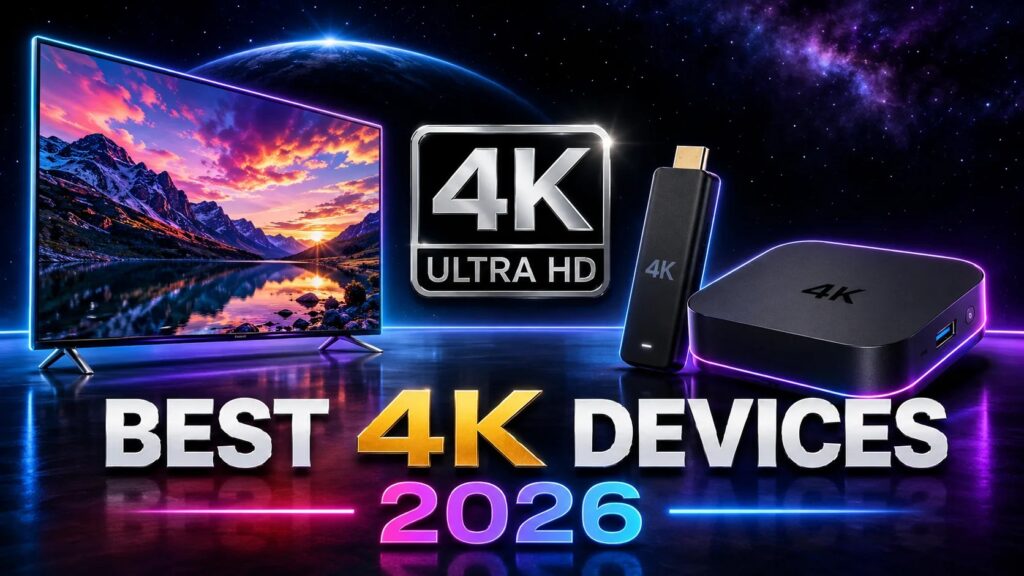
Best Devices for 4K IPTV in 2026
| Device | Why it works | Worth knowing |
|---|---|---|
| Fire TV Stick 4K / 4K Max | Cheapest reliable route to Ultra HD, runs every mainstream player | The 4K Max is noticeably quicker in big channel lists. See our Firestick guide. |
| NVIDIA Shield or a premium Android TV box | The most powerful option, comfortable with demanding 4K files | Overkill for casual use, excellent if you run recordings and heavy playlists. |
| Apple TV 4K | The smoothest interface and very clean 4K output | Fewer player choices than Android, but the ones it has are stable. |
| Modern Samsung and LG 4K sets | Streams UHD directly, no extra box | Limited to whatever the TV’s own store allows — our Smart TV guide covers the limits. |
Whatever you choose, the best upgrade you can make for 4K is a network cable. Ultra HD wants a high, unwavering bitrate, and Wi-Fi is the part of the chain most likely to wobble at exactly the wrong moment. If cable is impossible, get the device on 5 GHz and as close to the router as the room allows.
4K for Sport and 4K for Films Are Not the Same Problem
Ultra HD behaves very differently across the two things people most want it for.
- Films and documentaries are the easy case. They are mastered in UHD at high bitrates and played back from a file rather than a live feed, so this is where 4K genuinely dazzles — and where our 280,000-title library gives you the most to test it on.
- Live sport is the hard case. Fast motion needs both a high bitrate and a connection that never dips, and only a limited number of events are broadcast in 4K in the first place. A smooth 1080p feed is very often the smarter choice for a big match. Our live sport guide goes further into match-day reliability.
4K vs HD: Will You Actually See It?
| Your situation | Is 4K worth it? |
|---|---|
| 55-inch or larger, watched from normal sofa distance | Yes — clearly visible |
| Films and nature documentaries | Yes — this is where it shines |
| Under 43 inches, or a long viewing distance | Marginal — good HD often looks identical |
| Fast live sport on a shaky connection | No — a stable 1080p stream is better television |
| Phone or tablet | Minimal — HD is plenty on that screen |
4K is a real upgrade on a large modern television with good source material. It is not magic, and it does not rescue a weak line. Do not let the resolution be the only box you tick.
Beyond Resolution: HDR Is the Bigger Upgrade
Here is the part most sales pages skip. For visible picture quality, HDR usually makes a bigger difference than the jump from 1080p to 4K. High Dynamic Range widens the range of brightness and colour, giving deeper blacks, brighter highlights and far more lifelike colour. HDR10 and Dolby Vision are now common on premium Ultra HD content.
Like 4K, it is a chain: an HDR source, a device that passes it through, and a television that can display it. Not every 4K stream carries HDR, but where it does — especially on films and documentaries — the result is noticeably more cinematic than resolution alone ever gets you. If your gear supports it, prioritise content that uses it.
Common 4K Problems and What Actually Causes Them
| Problem | Likely cause | Fix |
|---|---|---|
| 4K buffers or silently drops quality | Insufficient or unstable line | Wire it with Ethernet, aim for 50 Mbps+, cut other traffic during playback |
| The picture is no sharper than HD | Upscaled source, or the device is capped | Test known UHD content; check the device output setting before blaming the provider |
| Stuck at 1080p on a 4K stream | Device display output set to 1080p | Set the output to 4K / 2160p in the device’s display settings |
| Blocky artefacts in fast motion | Low bitrate | Use the high-bitrate feed; on sport, a smooth 1080p often looks better |
| Washed-out colour, no HDR | HDR not enabled or not supported | Enable HDR on both the device and the television, and use HDR content |
If buffering persists on a strong wired connection, the limit is the provider’s server capacity rather than your house — which is exactly why testing during peak hours, before the refund window closes, is worth an evening of your time. Our buffering guide covers the full sequence.
What Should 4K IPTV Cost?
Good news first: with a serious provider, real 4K is not an add-on. It is included in the standard subscription, because the cost sits in bandwidth and source quality rather than in a tick box.
| Option | Typical monthly cost | 4K reality |
|---|---|---|
| Cable plus UHD add-ons | £80–£130+ | Very limited 4K, usually an extra fee |
| Premium streaming apps | £8–£20 each | 4K often gated behind the top tier |
| Quality 4K IPTV, monthly | £12–£20 | Genuine 4K on UHD content, included |
| Quality 4K IPTV, annual | £6–£12 a month equivalent | Same picture, the biggest saving |
| “Everything in 4K” bargain service | £2–£6 | Upscaled, unstable — avoid |
Be most suspicious of the cheapest tier that claims the most. A line delivering genuine Ultra HD to a large customer base costs real money to run, and a provider charging £3 a month for 95,000 channels in 4K is telling you something about itself. Our plans and prices are published openly for exactly that reason.
Getting 4K Running: Five Minutes
- Subscribe and take your login — an Xtream Codes URL with username and password, or an M3U link.
- Install a player on the 4K device: IPTV Smarters Pro or TiviMate on Android and Firestick, whichever your television’s store allows on Samsung and LG.
- Enter the details and let the first channel and guide sync finish before touching anything.
- Open the 4K / UHD category and start a film that is genuinely mastered in Ultra HD.
- Before you judge the picture, open the device’s display settings and confirm the output is set to 2160p rather than defaulting to 1080p.
Step five is the one everybody skips, and it is responsible for most of the “4K looks the same” complaints on the internet. Our installation guides cover each device in full.
The Verdict
The best 4K IPTV in 2026 delivers genuine Ultra HD where the source supports it, at a bitrate that holds up in motion, and tells you honestly that not every channel is 4K — because none of them are. Ignore the “everything in UHD” claims entirely, get the full chain in place (50 Mbps or better, wired if possible, a 4K device with its output set correctly, a 4K panel), and expect real Ultra HD to be included in an ordinary subscription rather than sold as an upgrade.
IPPlayTV runs 95,000+ live channels and 280,000+ movies and series on one line for every customer, with genuine 4K on the content that was filmed in it, a standard Xtream Codes login and M3U link for every mainstream player, published prices, an open channel list and a 7-day money-back guarantee. Set it up properly, put a film you know well on the biggest screen in the house, and judge the picture rather than the sales page.
Frequently Asked Questions
What internet speed do I need for 4K IPTV?
At least 25 Mbps of stable download for a single Ultra HD stream, and 50 Mbps or more for reliable 4K with other devices in the house. Stability matters more than headline speed — a steady 40 Mbps beats a spiky 100 Mbps. Always test at the television during peak evening hours rather than mid-morning.
Is "4K IPTV" always real 4K?
No. A great deal of it is upscaled standard or high definition carrying a 4K label. Genuine Ultra HD only exists where the source was filmed in it and the bitrate is high enough to carry it. Treat any service claiming every channel is 4K as a warning sign, because live television is simply not broadcast that way.
Do I need a special device for 4K IPTV?
Yes — a 4K-capable player such as a Fire TV Stick 4K, NVIDIA Shield, Apple TV 4K or a modern 4K Smart TV, connected to a 4K panel. Older or budget hardware caps its output at 1080p regardless of what the stream carries, and a wired Ethernet connection gives you by far the most stable Ultra HD.
Does 4K cost more than HD?
With a serious provider, no. Real 4K is included in the standard subscription rather than sold as an add-on. What should make you cautious is the opposite: a very cheap service advertising that everything is Ultra HD, which is normally upscaled content on an overloaded line.
Is 4K or HDR more important for picture quality?
For most viewers, HDR makes the more noticeable difference. It widens brightness and colour for deeper blacks, brighter highlights and richer images, while 4K only adds pixels. The ideal is both together on a compatible television and device, but if you have to prioritise one, well-implemented HDR usually delivers the bigger visual jump.
Can I watch 4K IPTV over Wi-Fi?
You can, but Ethernet is strongly preferable. Ultra HD demands a high, unwavering bitrate, and Wi-Fi struggles to sustain it across distance or with a busy household. If Wi-Fi is your only option, use the 5 GHz band and put the device as close to the router as the room allows.
Why does my 4K stream look the same as HD?
Three usual causes, in order of likelihood: the device output is still set to 1080p, the source is an upscale rather than genuine UHD, or your line cannot sustain the bitrate and the player has quietly dropped quality. Check the device display setting first — it takes thirty seconds and it is the culprit more often than anything else.
Is live sport available in 4K?
Only for a limited set of marquee events, because most sport is still broadcast in 1080i or 1080p. Anyone offering every match in Ultra HD is upscaling. For fast action, a smooth high-bitrate HD feed is usually the better watch — the motion matters more than the pixel count.
Genuine Ultra HD where the source is Ultra HD. Nothing upscaled and relabelled.
95,000+ live channels, 280,000+ films and series, Xtream Codes and M3U for every mainstream player, published prices and a 7-day money-back guarantee so you can judge the picture yourself.