Short answer
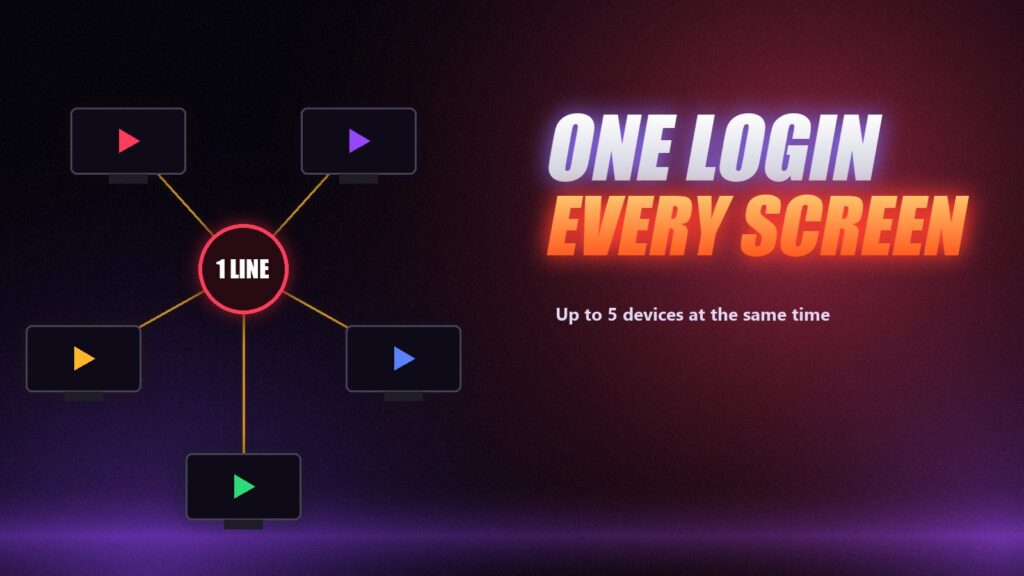
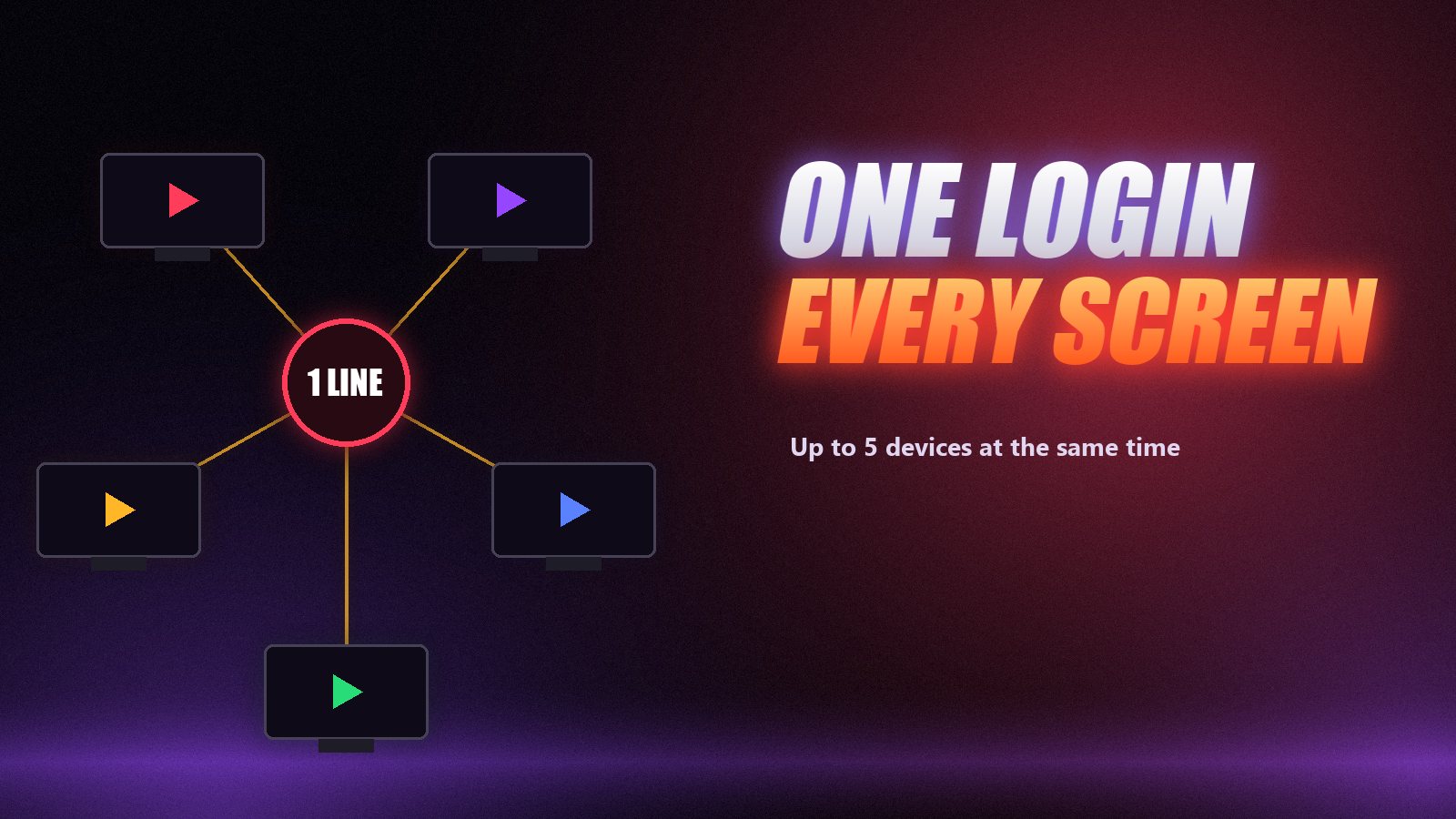
You can install IPTV on every device you own and sign them all in with the same login. The limit is on how many play at the same moment, which your plan sets. At IPPlayTV that is 1 device on the 1, 3 and 6-month plans, 2 on the 1-year plan, 3 on the 2-year plan and 5 on the lifetime plan. Count the screens that watch at once on your busiest evening, and pick the plan that matches.
The question usually arrives on a Saturday night. The match is on in the living room, someone wants a film upstairs, and the second TV shows an error the first one never did. Nothing is broken: the line is doing exactly what the plan says. Understanding the difference between installing IPTV on a device and streaming on it removes almost every one of those moments, and makes it easy to buy the right plan the first time.
Installing Is Free, Streaming Is Counted
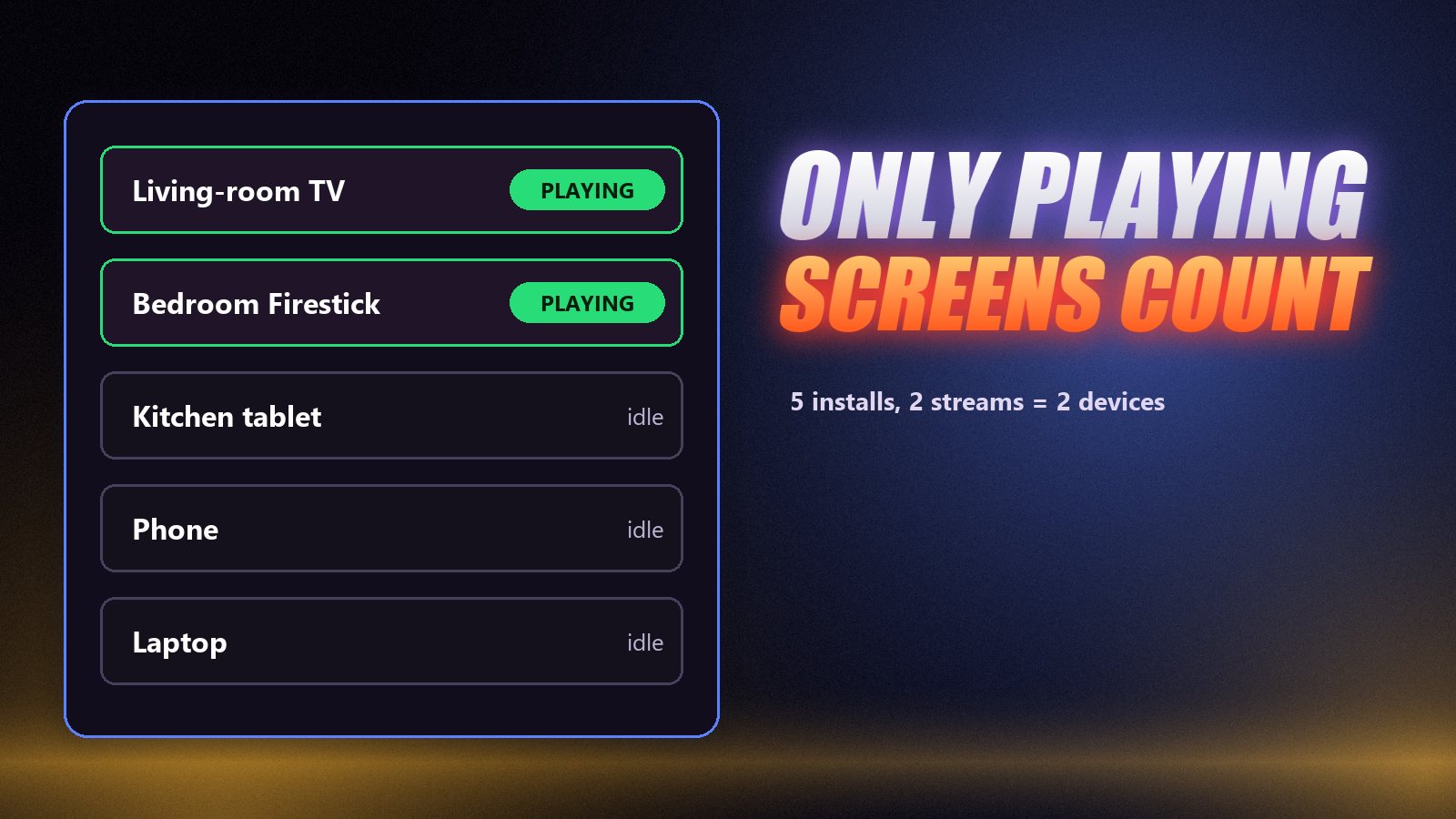
Putting IPTV Smarters on the bedroom Firestick and typing in your login costs nothing. Neither does leaving it signed in on a phone, a tablet and a laptop. None of those count until they actually play something.
The provider counts streams that are open at the same time, usually called connections or devices at the same time. Every channel or film playing right now is one. Stop playing and the count goes down. That is the only number that matters when you choose a plan.
| Device | App installed? | Playing right now? | Counts? |
|---|---|---|---|
| Living-room TV | Yes | Yes — the match | Yes |
| Bedroom Firestick | Yes | Yes — a film | Yes |
| Kitchen tablet | Yes | No | No |
| Your phone | Yes | No | No |
| Laptop | Yes | No | No |
Five installs, two streams: this household needs a plan that allows 2 devices at the same time.
How Many Devices Do You Need?
| Household | Screens at once | IPPlayTV plan that fits |
|---|---|---|
| One person, one TV | 1 | 1, 3 or 6 months |
| A couple who watch separately some nights | 2 | 1 year ($80) |
| A family: lounge, kids’ room, a phone at dinner | 3 | 2 years ($120) |
| A big household, or a second home | 4–5 | Lifetime ($150, limited promo) |
Plan for the overlap, not the average. If most evenings it is one screen but every Sunday there is football downstairs and cartoons upstairs, your number is two.
Setting Up a Second Screen
- Install a player on the new device. It does not have to match the first one: TiviMate on the TV, IPTV Smarters on the phone and VLC on a laptop all work on one login. Device guides are on our installation page.
- Enter the same server, username and password. No second account needed.
- Play something on both screens. If the second one refuses, the plan allows only one stream.
- Close streams properly. Back out of the channel before switching the TV off; some sticks keep the stream open for a few minutes otherwise.
If you are setting up a Firestick or a Smart TV for the first time, our guides to IPTV on Firestick and IPTV on a Smart TV cover the exact menus.
When the Limit Is Reached
| What you see | Likely cause | Fix |
|---|---|---|
| “Max connections reached” | Another screen is streaming | Stop it, wait a minute, retry |
| Second stream starts, first one stops | Line allows one stream | Upgrade to a plan with more devices |
| Error with only one screen on | A stream stuck open, or someone else using your login | Restart devices; ask support to reset the password |
| Both play but both buffer | Not enough bandwidth for two streams | Wired connection, or lower one stream to HD |
For problems that are not about the device count, see IPTV not working and our guide to fixing buffering.
Devices on Each IPPlayTV Plan
| Plan | Price | Devices at the same time |
|---|---|---|
| 1 Month | $15 | 1 |
| 3 Months | $35 | 1 |
| 6 Months | $55 | 1 |
| 1 Year | $80 | 2 |
| 2 Years | $120 (limited promo) | 3 |
| Lifetime | $150 one payment (limited promo) | 5 |
Every plan carries the same 80,000+ channels and 270,000+ titles; only the length, the price per month and the number of screens change. See them side by side on the pricing page, and read whether a lifetime plan is worth it before you choose the five-screen option.
Do More Screens Need Faster Internet?
Each stream uses its own share of your connection. Budget about 15 Mbps per HD stream, 25 Mbps per Full HD stream and 35 Mbps per 4K stream, measured in the evening. A household running two 4K matches at once needs around 70 Mbps arriving at the devices, and Ethernet on the main TV takes the most pressure off the Wi-Fi.
Frequently Asked Questions
Can IPTV be used on multiple devices?
Yes. You can install the app and sign in with the same IPTV login on as many devices as you want. What your plan limits is how many of them play a stream at the same moment.
How do I watch IPTV on two TVs at once?
Choose a plan that allows at least 2 devices at the same time, install a player on both TVs, enter the same login on each and play a channel on both. On IPPlayTV that means the 1-year plan or longer.
What does "devices at the same time" mean?
It is the number of streams your line can play at once. Two devices at the same time means two screens can watch different channels simultaneously; a third one is refused until another stops.
Why does my second TV say the maximum connections are reached?
Another device is still streaming on your line, sometimes in the background after the TV was switched off. Close the app properly on the other devices, wait a minute, and try again. If it keeps happening, your household needs a plan with more devices.
How many devices does each IPPlayTV plan allow?
The 1-month, 3-month and 6-month plans allow 1 device at a time, the 1-year plan 2, the 2-year plan 3 and the lifetime plan 5. Installs are unlimited on every plan.
Do several streams need faster internet?
Yes, every stream needs its own bandwidth. Plan for roughly 25 Mbps per Full HD stream and 35 Mbps per 4K stream, so two 4K screens need about 70 Mbps of real speed in the evening.
One line for the whole house.
Install IPPlayTV on every screen you own and choose how many watch at once: 2 on the 1-year plan, 3 on two years, 5 on lifetime. Free trial on WhatsApp, 7-day money-back guarantee.